Topic Summary
What Is Dubai South Application Status and Why It Matters
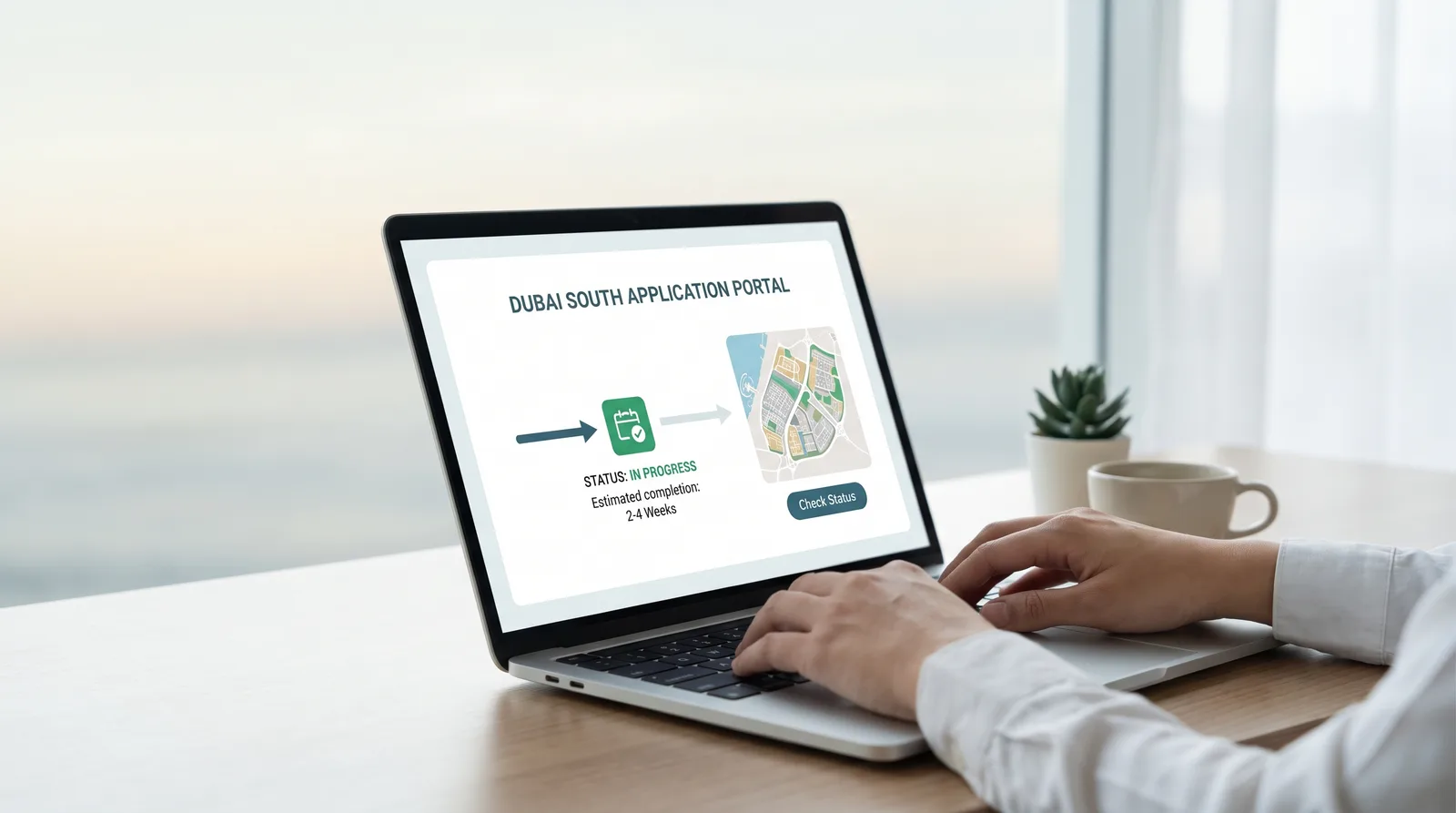
To check the status of your Dubai South application means reviewing where your file sits in the licensing workflow: submitted, under review, awaiting documents, pending third-party approval, payment due, or issued. The stage tells you whether to act, wait, or escalate.
Step-by-Step Guide to Check the Status of Your Dubai South Application
Step-by-Step Guide to Check the Status of Your Dubai South Application
Application Stages You Can Track From Submission to License
A Dubai South application usually moves through submission, internal review, pre-approval, any regulator approval, payment, and issuance. Each stage has a different owner, so reading it correctly shows whether you act or wait.
Common Reasons Your Application Status Stalls and How to Fix Them
Most stalled files trace back to missing documents, mismatched names, unpaid fees, unanswered requests, or a pending regulator. Identify the owner, then supply the missing item or request an update, and always check the status of your Dubai South application before assuming the worst.
What to Track After Your License Issues
After issuance, track the residency visa, medical and biometrics appointments, and Emirates ID. Each follows its own pipeline, so check the status of your Dubai South application outcomes separately, not as one update.
Best Practices to Keep Your Dubai South Application Moving
Keep your Dubai South application moving with complete, consistent documents, a locked activity and trade name, same-day replies, and a dated log of every change.
Your Next Move
To check the status of your Dubai South application, know your reference, read the dashboard stage, watch your email, and escalate with specifics. Knowing who owns each stage turns waiting into planning.
Over 90% of UAE free zone applications are now filed digitally, and more than 25,000 businesses operate through Dubai South Business Hub. This guide shows founders how to check the status of your Dubai South application, read each stage correctly, and know when to act.
What Is Dubai South Application Status and Why It Matters
To check the status of your Dubai South application means reviewing where your file sits in the licensing workflow: submitted, under review, awaiting documents, pending third-party approval, payment due, or issued. The stage tells you whether to act, wait, or escalate.
What an Application Status Actually Tells You
A status is a snapshot of who holds your file right now. It isn't a promise of timing, but it shows who owns the next move: the Hub, an outside regulator, or you.
Picture a founder who sees "Under Review" for two days and assumes something's wrong. Usually the file is just in the standard internal check.
Why Checking Early Saves Weeks
Missing documents are fixed in minutes if caught on day one.
Payment prompts can sit unseen in an inbox.
Early checks let you time visa and bank steps.
Over 40 activity categories in Dubai need a named regulator's sign-off (Dubai Chamber).
One consultant I know caught an expired passport scan on day one and avoided a week-long return cycle. See also how long it takes to get a Dubai South license.
Step-by-Step Guide to Check the Status of Your Dubai South Application

To check the status of your Dubai South application: log in to your applicant account, open the dashboard, read the current stage and flagged actions, review your email, then contact your consultant if nothing has changed within the expected window. Keep your reference number ready.
Step 1: Gather Your Reference and Login Details
Search your inbox for the submission confirmation email.
Confirm the email address and mobile number you applied with.
Keep your passport details handy for identity checks.
Step 2: Open Your Dashboard and Read the Stage
Find the tracker or status panel.
Note the stage name, last-updated date, and action flags.
Screenshot it for your records.
A "Documents Required" status with a flagged upload field shows exactly what to supply.
Step 3: Check Email for Hidden Requests
Search spam and promotions folders for Hub messages.
Look for payment links, e-signature requests, and questions.
Reply the same day to hold your place in the queue.
Application Stages, Owners, and What You Should Do
Stage | Who Holds the File | Your Action |
|---|---|---|
Submission and internal review | Hub licensing team | Verify passports, activity, and shareholder details are complete and legible. |
Pre-approval letter | Hub and you | Confirm activity, trade name, and shareholder names match your passports. |
Third-party approval | External regulator | Wait, and ask your consultant for a dated progress update. |
Payment | You | Pay the invoice promptly; licenses start from AED 12,500 per year. |
License issued | You | Start the visa, medical, and Emirates ID steps immediately. |
Step 4: Escalate With the Right Details
Send your reference, current status, and the date it last changed. Then ask one precise question: who holds the file, and what's the next action? "Ref DS-XXXX, pending since Tuesday, who holds this?" gets a faster answer than "Any update?" Log the reply and follow up on the agreed date. For the full journey, read the steps to register a company in Dubai South.
Application Stages You Can Track From Submission to License
A Dubai South application usually moves through submission, internal review, pre-approval, any regulator approval, payment, and issuance. Each stage has a different owner, so reading it correctly shows whether you act or wait.
Submission, Pre-Approval, and Sign-Off
Internal review checks documents, activity, trade name, and shareholders. A blurred passport scan triggers a return that a clean upload would have avoided. Licenses can issue in as little as 3 working days when no outside approval is needed.
The pre-approval letter is written clearance of activity, name, and shareholders. A health-related activity may then wait on its regulator while a consulting activity clears internally. Some files also need a no objection certificate from Dubai South.
Payment, Issuance, and Handover
Payment confirmation triggers issuance, and documents arrive digitally. Pay on a Thursday afternoon and expect confirmation the next working day. Here's what happens after you pay for a Dubai South license.
Common Reasons Your Application Status Stalls and How to Fix Them
Most stalled files trace back to missing documents, mismatched names, unpaid fees, unanswered requests, or a pending regulator. Identify the owner, then supply the missing item or request an update, and always check the status of your Dubai South application before assuming the worst.
Document and Data Mismatches
A middle name on the passport but not the form triggers a return.
Expired or low-quality scans get rejected.
Activity wording must match the license, or change your business activity first.
Pending Regulator Approvals and Follow-Up Timing
An education-related activity can show "pending" despite complete documents because the regulator holds the clock. That's waiting, not a problem. Ask which authority holds the file and when it was submitted.
Wait the standard window, then follow up with specifics. One founder followed up on day four with a reference, status, and a clear question, and got a same-day answer. Keep a dated log of every message.
What to Track After Your License Issues
After issuance, track the residency visa, medical and biometrics appointments, and Emirates ID. Each follows its own pipeline, so check the status of your Dubai South application outcomes separately, not as one update.
The Federal Authority for Identity, Citizenship, Customs and Port Security (ICP) holds records for over 9.9 million residents (ICP, 2026). Verify visa progress through GDRFAD or ICP, and see how to track your UAE visa application status.
Bank onboarding needs your license and residency documents.
Keep one folder for all approvals.
Plan launch dates around the slowest pending item.
One team scheduled its first invoice only after the license and Emirates ID were in hand. Smart.
Best Practices to Keep Your Dubai South Application Moving
Keep your Dubai South application moving with complete, consistent documents, a locked activity and trade name, same-day replies, and a dated log of every change.
Finalise activity, name, and shareholders first.
Use identical legal names everywhere.
Check the dashboard daily during review.
Track status, owner, and next action in three columns.
More than 65% of stalled free zone setups started without locking down activity, name, and visa. Review the Dubai South business license process before you file.
Your Next Move
To check the status of your Dubai South application, know your reference, read the dashboard stage, watch your email, and escalate with specifics. Knowing who owns each stage turns waiting into planning.
Log in today, note your stage, and message your Dubai South Business Hub consultant with your reference number if nothing has moved within the expected window.
References
Frequently Asked Questions