
Topic Summary
Check Visa Status Before Problems Arise
Many free zone owners only check visa records after an issue surfaces, but proactive checks prevent costly surprises. The ICP portal, GDRFA Dubai, and MoHRE are the three official channels available for real-time status lookups.
Know What a Visa Status Record Contains
A UAE visa status record includes the visa type, issue and expiry dates, sponsor or employer of record, and a current status code. This data is held centrally by ICP and mirrored by GDRFA Dubai and Abu Dhabi for emirate-level queries.
Your Trade License Is Directly on the Line
Free zone companies appear as the named sponsor on every visa they issue, meaning any status lapse is linked directly to your trade license. A flagged sponsor record can delay or block all future visa applications your company submits.
Overstay Fines Accrue From Day One of Expiry
Daily overstay fines begin the day after a visa expires, and they must be fully cleared before your company can submit any new visa application. A single 45-day oversight can stall your entire hiring pipeline.
Payroll Compliance Is Also at Risk
The MoHRE Wages Protection System cross-references payroll data against valid visa and labour card records. Processing payroll against an expired work permit can trigger a compliance failure that compounds your immigration issues.
Cancellation Takes Two to Five Working Days
UAE visa cancellation processing requires two to five working days, so leaving it until the last moment creates real risk of overstay. Planning cancellations well in advance protects both the employee and your company's compliance standing.
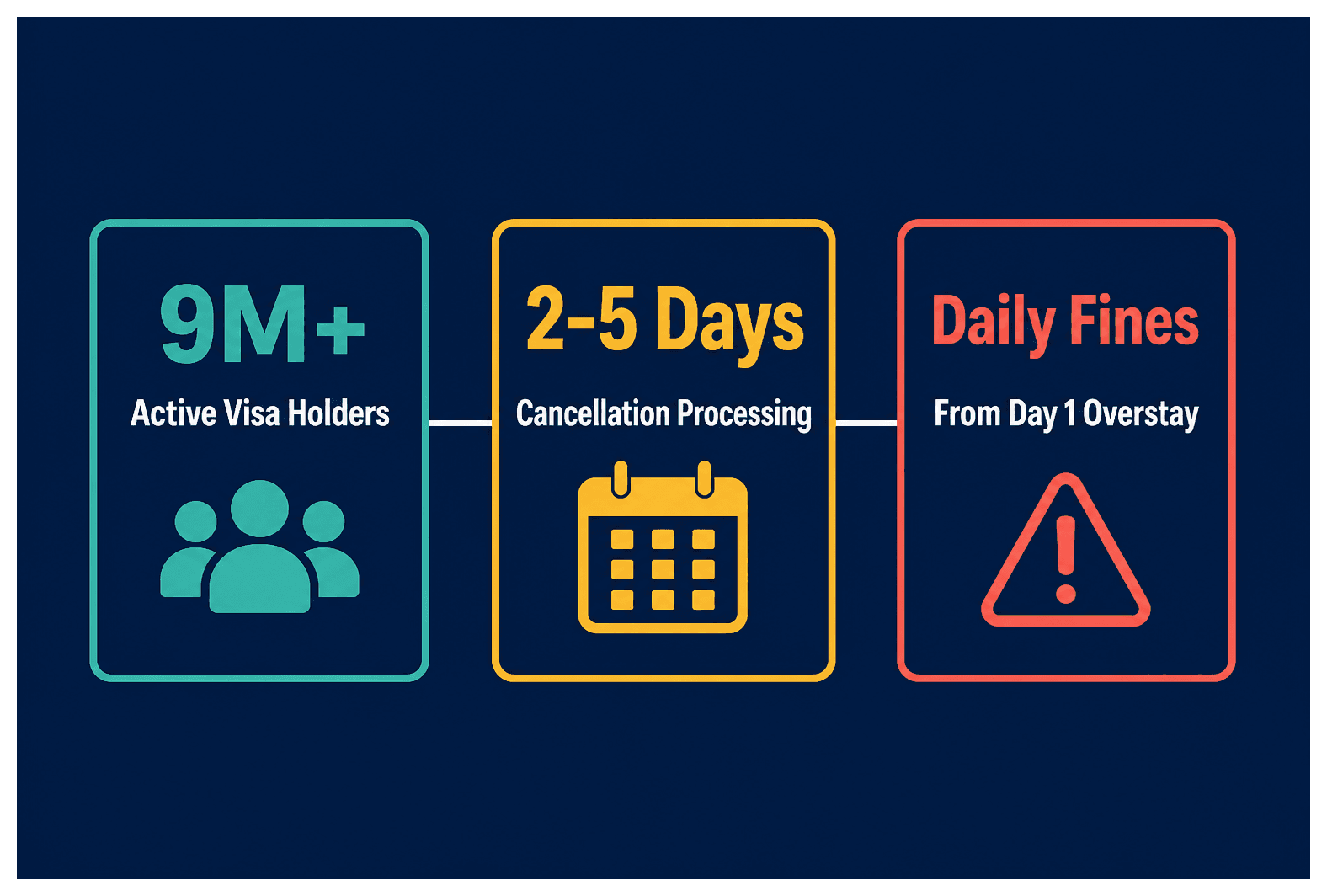
In 2026, the UAE hosts more than 9 million active residency visa holders, and the General Directorate of Residency and Foreigners Affairs (GDRFA) processes hundreds of thousands of status inquiries every month (u.ae, 2026). Yet a significant share of free zone company owners only check a visa record after a problem surfaces, not before. One missed expiry can generate daily overstay fines, block your next visa application, and flag your company's sponsor record with GDRFA. The MoHRE Wages Protection System cross-references payroll against valid visa and labour card records, so a lapsed work permit can also trigger a payroll compliance failure. And with UAE visa cancellation processing taking two to five working days, leaving it to the last minute is a real risk.
This guide gives you the exact lookup steps for every official visa status check UAE channel, explains what each status code means, and walks you through the full UAE visa cancellation process so your company stays compliant and your employees stay protected.
What Is UAE Visa Status Check and Why Every Free Zone Owner Needs It
A UAE visa status check is an official inquiry, run through ICP, GDRFA, or MoHRE, that confirms whether a residency or work visa is valid, expired, cancelled, or under a grace period. Free zone company owners use it to verify employee eligibility, avoid overstay fines, and maintain compliance with UAE immigration law.
Definition: What a Visa Status Record Actually Contains
A visa status record holds the visa type (residency, employment, or visit), the issue date, expiry date, sponsor or employer of record, and a current status code. The record sits centrally with ICP (the Federal Authority for Identity, Citizenship, Customs and Port Security) at the federal level. GDRFA Dubai and GDRFA Abu Dhabi mirror it for emirate-level queries, so both channels draw from the same underlying data.
Here's the part that matters most for your company: free zone companies appear as the named sponsor on every visa they issue. That means your trade license is directly linked to each visa record, and any status lapse reflects on your company's immigration compliance standing.
Take a practical example. A Singapore-based founder who sets up a Dubai South Business Hub Free Zone company and sponsors two employees needs to confirm both visa records show "Active" on the ICP portal before those employees begin working. The company name appears as sponsor on the ICP record from day one. If either record lapses, the company is flagged, not just the individual. You can explore UAE residency visa services at Dubai South Business Hub Free Zone to understand what a full visa lifecycle looks like from the sponsor's side.
Why Status Lapses Create Compliance Risk for Your Company
An expired visa without cancellation generates daily overstay fines under GDRFA rules. The fines accrue against the individual, but your company's sponsor record gets flagged. A flagged record can delay or block new visa applications you submit, which is a serious problem if you're trying to hire.
The compliance risks stack up quickly:
Daily overstay fines accruing from the day after visa expiry
New visa applications blocked until fines are cleared
MoHRE Wages Protection System failures if payroll is processed against an invalid visa or work permit
Company sponsor record flagged with GDRFA, affecting future applications
Consider this scenario: a free zone company with three sponsored staff discovers during a routine visa status UAE check that one visa lapsed 45 days ago. The overstay fine is calculated per day and must be cleared before the company can submit any new visa application. That one oversight can stall your entire hiring pipeline.
How to Do a Visa Status Check UAE: Official Channels Explained
Run a visa status check UAE through three official channels: the ICP smart portal or app using the visa file number or Emirates ID, the GDRFA Dubai website or app using the application number, and the MoHRE portal for work permit and labour card status. Each channel requires a different reference number, using the wrong one on the wrong portal returns an error, not a result.
ICP Smart Portal: The Federal Lookup (Reference Number Needed)
The ICP portal is the master federal record for all UAE residency visas. Here's how to use it:
Go to icp.gov.ae and select "Smart Services," then "Inquiry About Visa Status."
Enter the 15-digit visa file number (printed on the visa sticker or residency permit) OR the Emirates ID number if the card has already been issued.
The portal returns: visa type, sponsor name, issue date, expiry date, and current status (Active, Expired, Cancelled, or Grace Period).
The ICP app (iOS and Android) mirrors the portal and allows saved inquiries for multiple visa holders, useful for finance managers tracking a team.
A finance manager at a free zone trading company, for example, logs into the ICP app, enters the 15-digit file number for each of five sponsored employees, and exports the status list for the quarterly HR compliance review. The whole process takes under ten minutes.
GDRFA Dubai Portal and App: The Emirate-Level Check
The GDRFA Dubai portal gives you more granular detail during active application processing than ICP does. Use it when a renewal or new application is in progress.
Go to gdrfad.gov.ae and navigate to "Inquiry Services," then "Visa Status Inquiry."
Enter the GDRFA application number (found on the stamped application receipt or the typing centre's email confirmation) OR the Emirates ID.
Results show application stage: Under Processing, Pending Medical Fitness, Approved, or Rejected, more detail than the ICP result for in-progress files.
Enable push notifications on the GDRFA Dubai Smart app for every sponsored employee, you'll know the moment a status changes.
A company director submitting a renewal for an employee's two-year residency visa, for instance, sees "Under Medical Fitness Review" on the GDRFA app for 72 hours before it updates to "Approved." No action is needed until the status clears. That real-time visibility prevents unnecessary follow-up calls to the typing centre.
MoHRE Portal: Work Permit and Labour Card Status
This is the check most free zone owners forget. The MoHRE portal holds the work permit record, which is entirely separate from the residency visa and expires on its own cycle.
Go to mohre.gov.ae and select "Inquiry," then "Work Permit Inquiry."
Enter the work permit number (also called the labour card number) OR the employee's passport number combined with nationality.
The result shows whether the work permit is active, expired, or under cancellation.
Here's a scenario that catches companies off guard: an employee's two-year residency visa shows "Active" on ICP, but a MoHRE inquiry reveals the work permit expired 30 days earlier. The company must renew the work permit immediately to avoid a MoHRE labour violation. A valid residency visa with an expired work permit still constitutes a breach. Both must be current for the employee to work legally. For a full walkthrough of the MoHRE system, the MoHRE inquiry UAE guide covers every service in detail.
UAE Visa Status Codes: What Each Result Means for Your Action Plan
UAE visa status codes returned by ICP and GDRFA include Active (valid, no action needed), Expired (overstay fines accruing, immediate action required), Cancelled (visa ended, person must exit or hold a new visa), Grace Period (limited days to exit or transfer), and Under Processing (application submitted, await update). Each code requires a different response from you as the sponsoring company.
Status Code Definitions and Required Actions
Active, visa is valid and within its issue-to-expiry window. No immediate action required. Note the expiry date and schedule renewal 45 days out.
Expired, the expiry date has passed without renewal or cancellation. Daily overstay fines are accruing. Initiate renewal or cancellation immediately.
Grace Period, typically 30 days after visa expiry or employment termination (confirm the exact current duration with GDRFA). The individual must transfer to a new sponsor or exit the UAE before the period ends.
Cancelled, the visa has been formally cancelled. If the person remains in the UAE, they are in violation. Your obligation as sponsor has ended, but confirm exit or new sponsorship.
Under Processing, a renewal or new application has been submitted and is under review. No fines accrue during this window if the prior visa was valid at submission time.
A finance manager running a monthly visa status UAE check finds one employee showing "Grace Period" with 22 days remaining. She immediately initiates a visa transfer to the employee's new employer, avoiding an overstay violation with nearly three weeks to spare. That's exactly the kind of early catch that a monthly check delivers.
What Visa Status Codes Mean for Your UAE Workforce
A team with any "Expired" or "Cancelled" records signals a gap in your PRO process. Review the renewal calendar immediately and identify whether the lapse is a document delay, a typing centre bottleneck, or a missed trigger date.
Multiple "Under Processing" statuses at the same time can indicate a document deficiency, follow up with GDRFA directly rather than waiting. And if you're not already using the GDRFA Dubai app's push notification feature, set it up now. It's the simplest way to catch an unexpected status change before it becomes a violation.
A Dubai South Business Hub Free Zone company with four sponsored staff, for example, builds a shared spreadsheet tracking each visa file number, expiry date, and next renewal due date. The 45-day lead time means renewals never become urgent, and the monthly ICP check keeps the tracker accurate between scheduled renewal dates.
UAE Visa Cancellation Process: Step-by-Step for Free Zone Companies
To cancel a UAE residency visa, the sponsoring company submits a cancellation application through GDRFA Dubai (online or via a typing centre), pays any outstanding fines, confirms the employee's Emirates ID is deactivated, and obtains the exit stamp or e-confirmation. The process typically takes two to five working days.
Step 1: Clear Outstanding Fines Before Filing Cancellation
Before you do anything else, run a visa status check UAE on ICP or GDRFA to confirm the current status and identify any accrued overstay fines. Cancellation applications with unpaid fines are rejected at the filing stage, you can't skip this step.
Outstanding fines can be paid at a GDRFA service centre, through the GDRFA Dubai app, or via an authorised typing centre. Save the payment receipt, you'll need it as a supporting document in the cancellation file.
A free zone company terminating an employee's contract, for instance, runs an ICP check first, finds a 10-day overstay fine, pays it through the GDRFA app in minutes, and saves the digital receipt before submitting the cancellation application. That sequence avoids a rejected filing entirely.
Step 2: Submit the Cancellation Application Through GDRFA
Submit online via gdrfad.gov.ae under "Residency Services" then "Cancel Residency Visa," or visit an authorised typing centre with the required documents. The online portal is available 24/7, which matters if you're managing a time-sensitive termination.
Documents required at submission:
Trade license copy
Sponsor's Emirates ID or passport
Employee's passport copy
Visa copy
Fine payment receipt (if applicable)
Signed cancellation request form
The system issues a reference number on submission, use this to track progress via the GDRFA app or portal. A finance manager submitting online receives a reference number by SMS within minutes and tracks the file through to "Approved" status over three working days, without visiting a service centre once.
Step 3: Confirm Emirates ID Deactivation and Employee Exit
Once GDRFA approves the cancellation, ICP automatically deactivates the linked Emirates ID. Verify this via a follow-up ICP inquiry using the Emirates ID number, don't assume it's done without checking.
If the employee is exiting the UAE, the exit stamp at the port of departure finalises the process. For employees transferring to a new sponsor inside the UAE, the new sponsor's application supersedes the cancellation. Either way, retain all cancellation documents for a minimum of five years as part of your HR compliance record.
Run a final visa status check UAE 48 hours after GDRFA approval to confirm the ICP record shows "Cancelled." A company director who does this saves a screenshot alongside the cancellation receipt in the employee's digital HR file, that screenshot is your evidence of clean sponsor status if it's ever queried. The business support and PRO services team at Dubai South Business Hub Free Zone can coordinate this process for you if you'd rather not manage it in-house.
How Free Zone Company Owners Should Manage Visa Status Year-Round
Free zone company owners should run a visa status check UAE for every sponsored employee at least monthly, maintain a renewal calendar with a 45-day lead time, and store all cancellation records for five years. Assigning a dedicated finance manager or PRO contact to visa tracking prevents the most common compliance failures.
Building a Visa Expiry Calendar for Your Sponsored Team
Start with a shared tracker listing every sponsored employee's visa file number, Emirates ID number, visa type, issue date, and expiry date. Set a renewal trigger at 45 days before expiry, that's enough time to gather documents, book a medical fitness test if required, and submit to GDRFA without urgency.
Cross-reference the tracker against a monthly ICP or GDRFA status check to catch unexpected status changes between scheduled renewal dates. A four-person free zone company using a shared spreadsheet with conditional formatting, amber at 45 days, red at 20 days, and a first-of-the-month ICP check will rarely face a reactive situation.
UAE Visa Status Check: Portal Comparison by Reference Number and Information Returned
Portal | Use Case | Reference Number Required | Status Information Returned |
|---|---|---|---|
ICP (icp.gov.ae) | Federal residency status, master record for all UAE residents | 15-digit visa file number OR Emirates ID number | Visa type, sponsor name, issue date, expiry date, current status (Active, Expired, Cancelled, Grace Period) |
GDRFA Dubai (gdrfad.gov.ae) | Emirate-level application tracking, best for in-progress renewals and new applications | GDRFA application number (from receipt or typing centre email) OR Emirates ID | Application stage: Under Processing, Pending Medical Fitness, Approved, Rejected, more granular than ICP during processing |
MoHRE (mohre.gov.ae) | Work permit and labour card status, separate from residency visa, independent expiry cycle | Work permit number (labour card number) OR passport number plus nationality | Work permit validity, expiry date, active or expired status, any recorded MoHRE violations |
When to Use Residency Visa Services and PRO Support
Companies with five or more sponsored employees benefit from outsourcing visa status tracking and renewal submission to a PRO service. The cost is typically lower than the fines from a single missed renewal, and the administrative load drops significantly.
For regulated activities, there's an additional step worth flagging: the relevant regulator must approve any changes to sponsored employees' roles before a visa renewal is processed. A free zone healthcare company renewing a sponsored nurse's visa, for example, must confirm DHA license renewal before submitting the GDRFA residency renewal. The GDRFA application is only one part of a two-step regulated process. Similarly, financial services companies need to confirm the relevant authority's approval before proceeding.
Dubai South Business Hub Free Zone, which launched in September 2025, offers UAE residency visa packages tied to a trade license. The first-year cost for a sole founder with one visa starts from AED 18,350, with the base license from AED 12,500. Visas are always an additional cost, not included in the license fee. You can calculate your full company formation cost including visa fees using the cost calculator.
Common Visa Status Check UAE Mistakes and How to Avoid Them
The most common visa status check UAE mistakes are using the wrong reference number for the wrong portal, checking only the residency visa without checking the work permit, waiting until expiry to initiate renewal, and failing to confirm Emirates ID deactivation after cancellation. Each error carries fines or compliance flags.
Using the Wrong Reference Number on the Wrong Portal
Each portal only accepts its own reference format. Using a GDRFA application number on the ICP portal returns an error. Using a visa file number on the GDRFA portal returns nothing useful. And MoHRE accepts neither, it needs the work permit number or passport number.
A finance manager who enters the GDRFA application number into the ICP portal and gets an error might mistakenly conclude the visa isn't in the system. The correct ICP reference is the 15-digit visa file number printed on the residency permit, a completely different identifier. Keep a reference document for each employee listing all three numbers separately, labelled by portal. It's a simple fix that prevents a lot of confusion.
Checking Residency Visa Status Without Checking Work Permit Status
A valid residency visa does not guarantee a valid work permit. Both expire independently and on different cycles. MoHRE work permits are typically issued for one or two years; residency visas for two or three years. The cycles rarely align perfectly, which means you need to check both every time.
Here's the real-world consequence: an employee's three-year residency visa still shows "Active" on ICP, but their two-year MoHRE work permit expired six months ago. The company receives a MoHRE penalty for employing a worker without a valid work permit, even though the residency visa is fine. The MoHRE inquiry guide explains exactly how to run this check and what each result means.
Is there a grace period after a UAE visa expires?
Yes. UAE residency visas typically carry a 30-day grace period after expiry, during which the holder must either transfer to a new sponsor or exit the UAE. Overstay fines begin accruing from the day after the grace period ends. Confirm the exact current duration with GDRFA Dubai, as the terms can be updated by regulation (GDRFA Dubai, 2026).
Visa Status Check UAE and Cancellation: Key Reference Numbers at a Glance
For a visa status check UAE, use the visa file number on ICP, the GDRFA application number on GDRFA Dubai, and the work permit number on MoHRE. For cancellation, you need the trade license, sponsor ID, employee passport, visa copy, and fine payment receipt. Keep all three reference numbers on file for every sponsored employee.
Quick-Reference: Portal, Reference Number, and Status Information Returned
ICP portal (icp.gov.ae): Reference = 15-digit visa file number or Emirates ID. Returns visa type, sponsor name, issue date, expiry date, current status.
GDRFA Dubai portal (gdrfad.gov.ae): Reference = GDRFA application number or Emirates ID. Returns application stage, processing status, approval or rejection.
References
Frequently Asked Questions