Topic Summary
What Is Connecting Your Accounting Software to a UAE Accredited Service Provider and Why It Matters
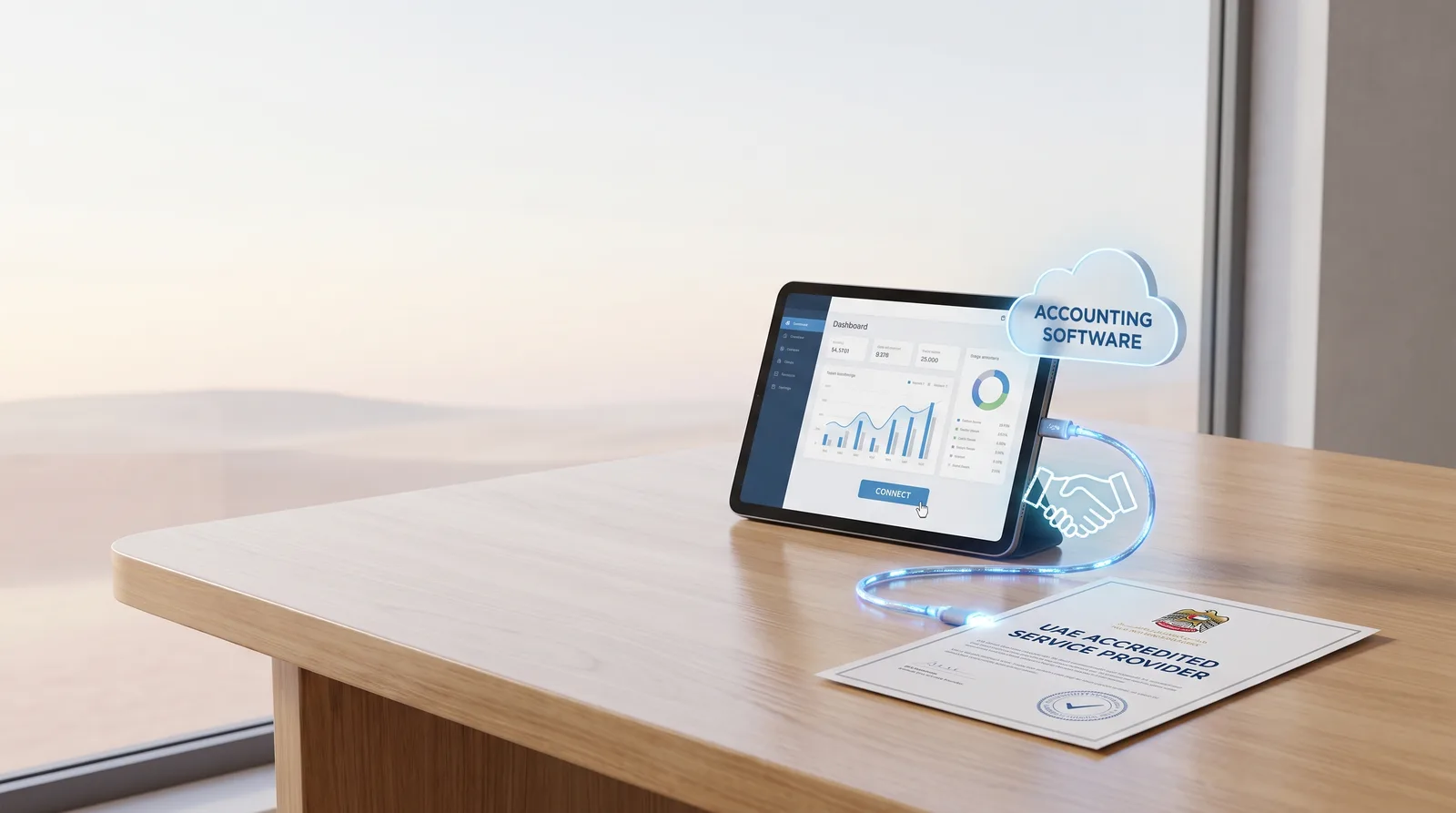
To connect your accounting software to a UAE accredited service provider means linking your invoicing system to a government-approved Peppol access point through an API or certified connector. The provider validates each PINT AE e-invoice, sends it to the buyer and reports the data to the tax authority.
Check Your Accounting Software Is Ready Before You Connect
Check Your Accounting Software Is Ready Before You Connect
Step-by-Step Guide to Connect Your Accounting Software to a UAE Accredited Service Provider
Connect in seven steps: confirm TRN and portal access, shortlist providers, sign, receive credentials, configure, test in sandbox, then go live. Most free zone companies finish in two to six weeks.
Documents and Timelines Free Zone Companies Need to Connect Your Accounting Software to a UAE Accredited Service Provider
Free zone companies typically need a trade license, TRN certificate, Memorandum of Association, signatory passport and Emirates ID, proof of address and a bank letter. Having these ready cuts onboarding to about one week.
Link Your Corporate Bank Account and Payment Flows
Your bank receives the payments that reconcile against validated invoices. Emirates NBD, Mashreq, RAKBank, FAB, ADCB and Wio offer statement feeds or APIs that sync with accounting software.
Common Mistakes When You Connect Your Accounting Software to a UAE Accredited Service Provider
The usual errors are a non-accredited provider, skipped sandbox testing, wrong buyer TRNs, ignored credit notes and no named owner. Each is avoidable.
Getting Expert Support From Dubai South Business Hub
Dubai South Business Hub provides company formation, trade licenses, residency visa packages and banking support services. These give you the license, TRN foundation and bank account needed to connect your accounting software to a UAE accredited service provider.
More than 350,000 UAE businesses are VAT-registered (Federal Tax Authority, 2025), and each will eventually send structured e-invoices instead of PDFs. This guide shows free zone founders how to connect your accounting software to a UAE accredited service provider, step by step.
What Is Connecting Your Accounting Software to a UAE Accredited Service Provider and Why It Matters
To connect your accounting software to a UAE accredited service provider means linking your invoicing system to a government-approved Peppol access point through an API or certified connector. The provider validates each PINT AE e-invoice, sends it to the buyer and reports the data to the tax authority.
How the Accredited Service Provider Model Works
Your software produces a structured XML invoice. The provider checks the seller TRN (Tax Registration Number) and line items, then delivers it to the client's system in seconds. Standard VAT stays at 5% (Federal Tax Authority, 2025). For a wider view, read e-invoicing UAE: what businesses need to prepare.
Why Free Zone Businesses Should Act Early
The pilot phase starts in July 2026 under the Ministry of Finance timeline. A trading company that tests in sandbox months ahead avoids rejections once buyers go live. Providers will also get busy near deadlines.
Check Your Accounting Software Is Ready Before You Connect

Before connecting, confirm your accounting software exports PINT AE XML, offers an API or certified connector, stores TRNs correctly and runs a current version. Anything older needs an upgrade or a middleware layer first.
Compatibility Checklist for Your Current Platform
Ask your vendor about PINT AE support.
Request the certified connector list.
Test credit notes and multi-currency invoices.
Restrict submission rights to authorised staff.
One SaaS startup found its desktop package couldn't export XML. It moved to a cloud platform with a native connector.
Typical Onboarding Timeline to Connect Your Accounting Software
Feature | Stage | Typical Duration |
|---|---|---|
TRN and portal access check | Confirm license, TRN and signatory login | 1-3 days |
Provider selection and agreement | Compare fees, sign, submit documents | 3-7 working days |
Credentials and configuration | Receive API keys, map tax codes | 3-5 days |
Sandbox testing | Send ten varied test invoices | 1-2 weeks |
Go-live and monitoring | Pilot batch, daily rejection review | First 30 days |
Clean Up Master Data to Prevent Rejections
Most rejections come from data errors, not technical faults. Standardise customer names, TRNs, units and VAT categories. One mismatched buyer TRN fails validation, but fixing that customer record once clears every later invoice. Strong books from day one help, as covered in setting up accounting from day one in Dubai.
When to Involve Your Accountant
Your accountant maps the chart of accounts and VAT codes to the e-invoice structure. They also tag zero-rated and exempt supplies before go-live. Agree early who owns integration.
Step-by-Step Guide to Connect Your Accounting Software to a UAE Accredited Service Provider
Connect in seven steps: confirm TRN and portal access, shortlist providers, sign, receive credentials, configure, test in sandbox, then go live. Most free zone companies finish in two to six weeks.
Step 1: Confirm Your TRN, License and Portal Access
Hold a valid trade license and active TRN.
Check your signatory's portal login works.
Link UAE Pass for same-day verification (linking UAE Pass to your company portals).
Step 2: Shortlist and Sign Up With an Accredited Provider
Verify accreditation against the official list.
Compare fees, support hours and SLAs.
For 200 invoices monthly, weigh per-invoice pricing against flat plans.
Steps 3 to 5: Credentials, Configuration and Sandbox Testing
Receive API keys or activate the connector.
Map fields, tax codes and numbering.
Test standard, zero-rated, credit note and multi-currency cases.
Steps 6 and 7: Go Live and Monitor
Switch to production credentials.
Start with one client.
Review rejections daily for a month.
Documents and Timelines Free Zone Companies Need to Connect Your Accounting Software to a UAE Accredited Service Provider
Free zone companies typically need a trade license, TRN certificate, Memorandum of Association, signatory passport and Emirates ID, proof of address and a bank letter. Having these ready cuts onboarding to about one week.
Document Checklist for Provider Onboarding
Trade license and TRN certificate.
Memorandum of Association.
Signatory passport and Emirates ID.
Authorisation letter and IT contact.
Realistic Timelines From Application to Go-Live
Approval takes 3-7 working days. Testing takes one to three weeks. A five-person firm finished in three weeks. Free zone status doesn't exempt you if you're VAT-registered.
Link Your Corporate Bank Account and Payment Flows
Your bank receives the payments that reconcile against validated invoices. Emirates NBD, Mashreq, RAKBank, FAB, ADCB and Wio offer statement feeds or APIs that sync with accounting software.
Choosing a UAE Bank That Fits Your Accounting Stack
Emirates NBD, Mashreq and FAB often suit established firms. Wio and RAKBank often suit lean startups, and ADCB suits larger flows. Check feed compatibility first, since opening times range from days to weeks.
Tips to Avoid Bank Account Rejection
Show a clear business plan.
State expected invoice volumes.
Match license activity to billed services.
Use DSBH banking support services.
The Central Bank of the UAE sets the banking standards behind these reviews.
Reconciling Payments Against Validated Invoices
Match receipts to invoice IDs. A consultancy paid in USD reconciles by reference number and keeps an audit trail for corporate tax. See how to accept international payments from a UAE company.
Common Mistakes When You Connect Your Accounting Software to a UAE Accredited Service Provider
The usual errors are a non-accredited provider, skipped sandbox testing, wrong buyer TRNs, ignored credit notes and no named owner. Each is avoidable.
Technical and Data Errors That Cause Rejections
Wrong or missing TRN.
Rounding gaps between line and invoice totals.
Unsupported currency or unit codes.
Expired API credentials.
Process Gaps That Create Compliance Risk
Name an owner. One team made its finance manager responsible and reviews a weekly rejection report. Train staff on corrections, and keep records audit-ready for an approved auditor.
Getting Expert Support From Dubai South Business Hub
Dubai South Business Hub provides company formation, trade licenses, residency visa packages and banking support services. These give you the license, TRN foundation and bank account needed to connect your accounting software to a UAE accredited service provider.
How DSBH Banking Support Services Help
The team prepares documents, makes bank introductions and aligns your license activity with billing. License and bank guidance happen in one process, then provider onboarding follows.
Next Steps After Connection
Schedule quarterly reviews of rejection logs and VAT returns. Use clean e-invoice data for corporate tax filing and auditor needs.
Next Steps to Connect Your Accounting Software to a UAE Accredited Service Provider
Verify software readiness, work through the seven steps, prepare documents, align your bank account and monitor rejections. Early preparation keeps invoicing compliant. Contact Dubai South Business Hub to arrange banking support and confirm your license and TRN before onboarding.
References
Frequently Asked Questions